Captions + karaoke
Captions that follow the spoken words
LazyVid listens to the timeline, places each caption at the right moment and can highlight every word as it is spoken.
 LazyVid
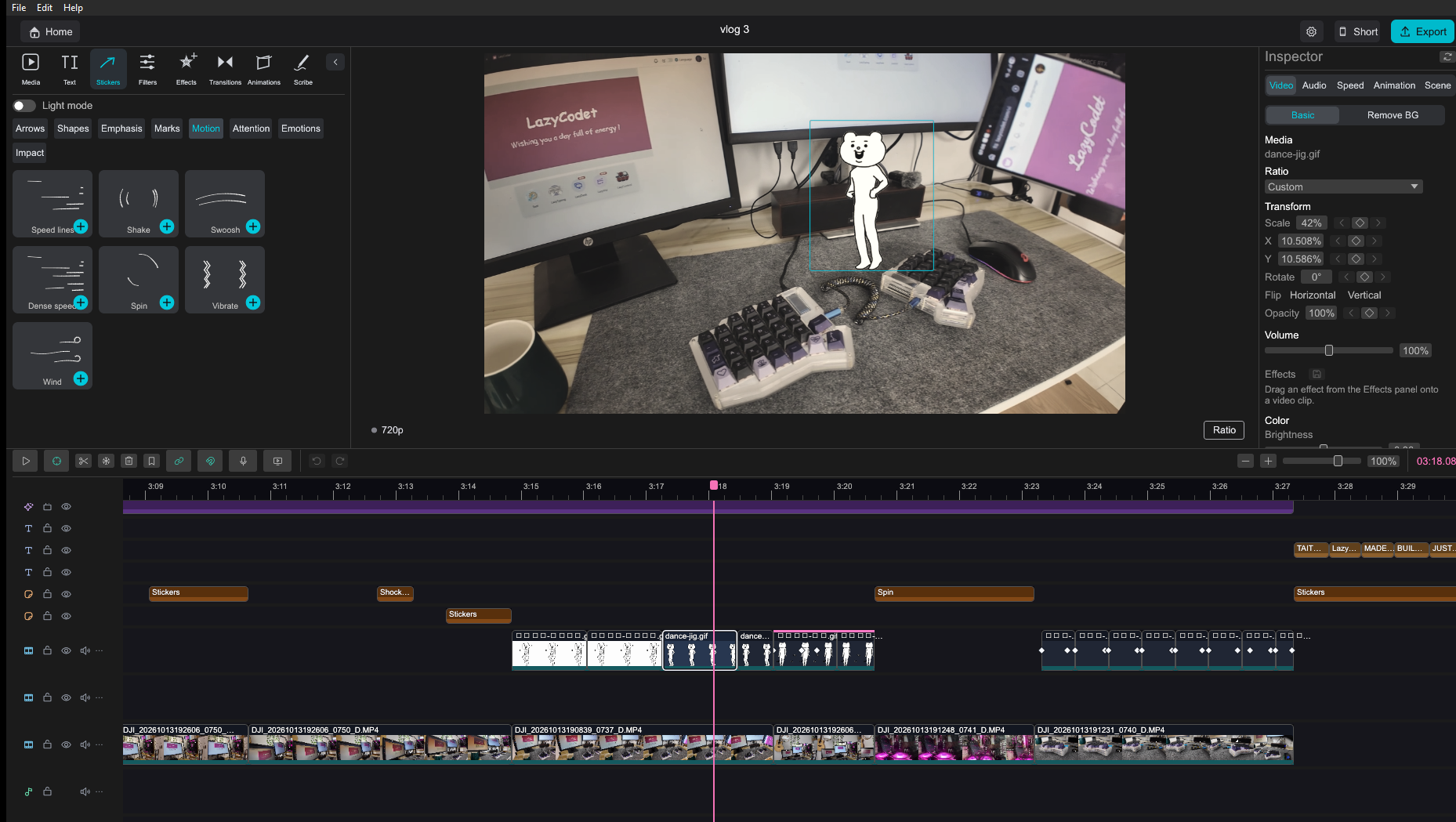
Cut, caption, add voice-over, build hand-drawn scenes and create 3D motion — all in an app that runs on your computer.
LazyVid is not publicly released yet. Message LazyCodet on Facebook to get a trial build.
Core features
Distinctive tools for people who shoot and edit their own work, all together in one app.
LazyVid listens to the timeline, places each caption at the right moment and can highlight every word as it is spoken.
Choose a text clip, create a Vietnamese or English voice-over and place the result straight into the project.
Arrange artwork, choose the hand holding the pen and decide the order in which every element is drawn.
Pick the best moment, preview it in 9:16 and create a short-video project without disturbing the original edit.
Add camera moves, zoom, rotation and precise motion points to give every scene its own pace.
Capture the whole screen or one region, record your microphone and add the take to the project. AI can clean up unwanted noise.
And more
Small but capable building blocks, ready whenever your video needs an extra finishing touch.
Work on your own computer
Video, speech and AI features are processed on your computer. You do not need to upload a project to the web before you can start.
LazyVid makes a lighter draft for smooth scrubbing, then returns to the original media for the finished export.
Bundle the project and its media into one file so another computer does not have to hunt for every video, image and sound.
See what LazyVid has downloaded, what is still in use and move the asset library to another drive when needed.
Getting started
Four familiar steps, with more ways to tell the story whenever you need them.
Start a project and drag your video, images and sound into the library.
Place clips on the timeline, remove what you do not need and arrange the story your way.
Create captions, voice-over, stickers, hand-drawn scenes or 3D motion.
Pick a resolution, export an MP4 and include a separate subtitle file when needed.
LazyVidMessage LazyCodet for a trial build and start your first project.
Message LazyCodet on Facebook