18:46:54 8/5/2023 - 23 views
- Khác
Guide to manually updating network drivers on Windows 10
- Go to Device Manager → locate drivers with a yellow warning icon → right‑click and select Properties → Details → the Properties combobox → Hardware IDs → select the first line in the List Value and copy
- Go to the website http://drp.su/ and paste the copied value.
- Find and click the Download zip button
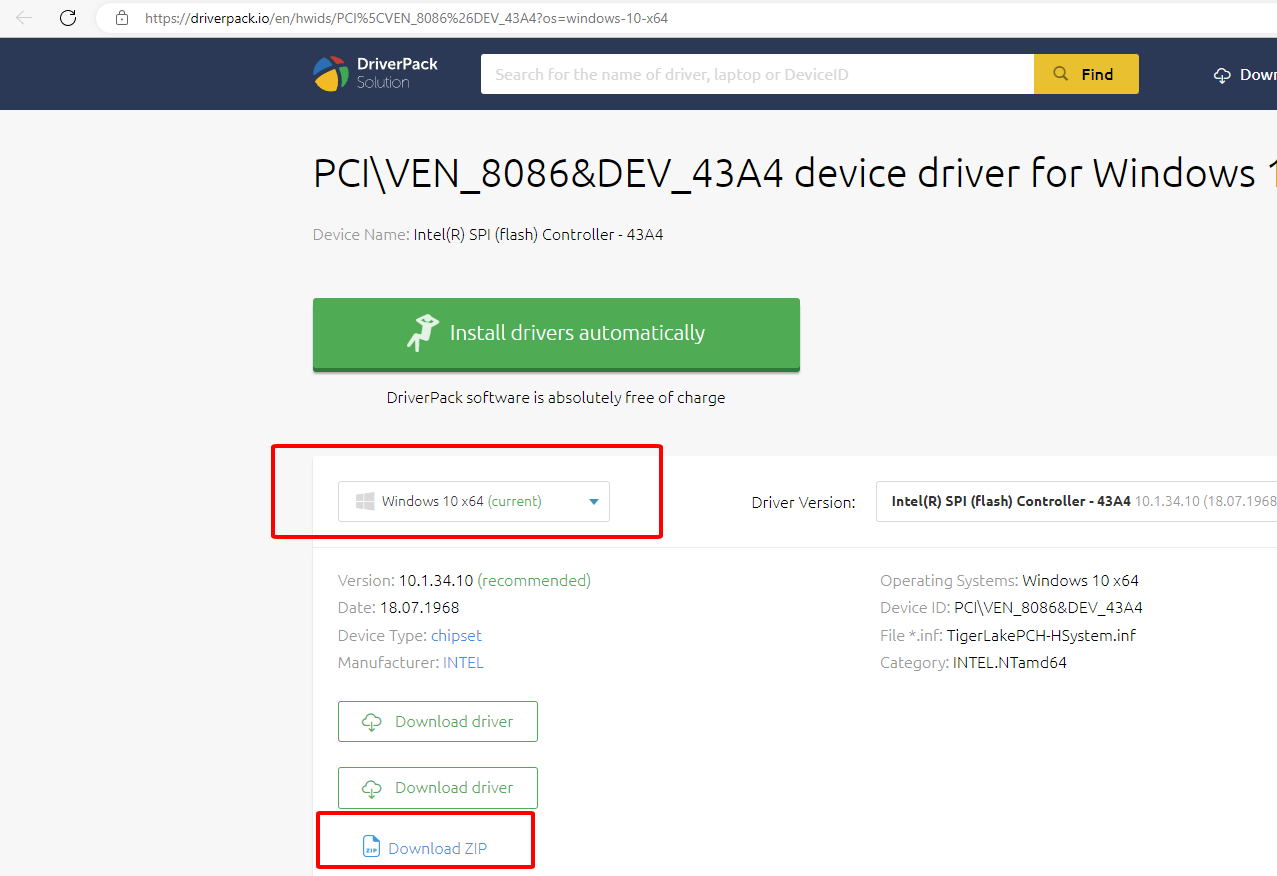
- Extract the file
For example, when downloaded to C:\Users\UserName\Downloads\Intel-FORCED-Chipset-8110x64-10.1.18807.8279-drp
Then in Device Manager, right‑click and select Update driver → Browse ..... → Choose the path C:\Users\UserName\Downloads.
After updating all of them, do the following
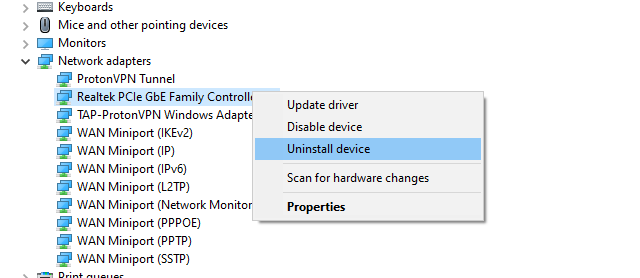
Then restart the computer!